A better way to work with clients—from kickoff to sign-off

Because tools like Asana, ClickUp, and Notion weren’t built for client collaboration—we fixed that.

Get started now. It’s FREE


Free forever. No credit card required
Trusted by 12,500+ businesses worldwide
Built for agencies, consultancies, and anyone doing client work
Upbase Client Dashboard
One dashboard for every client

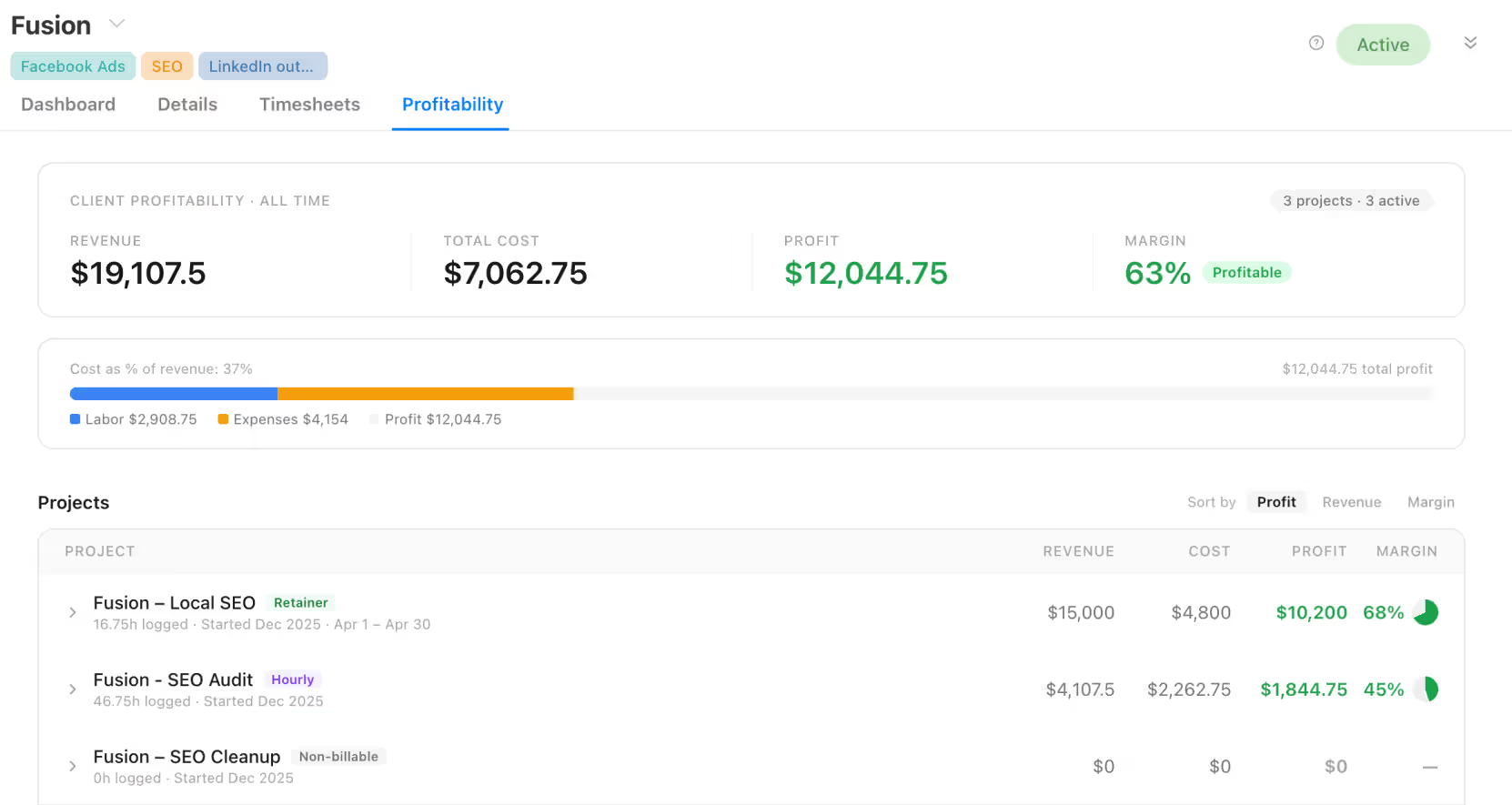
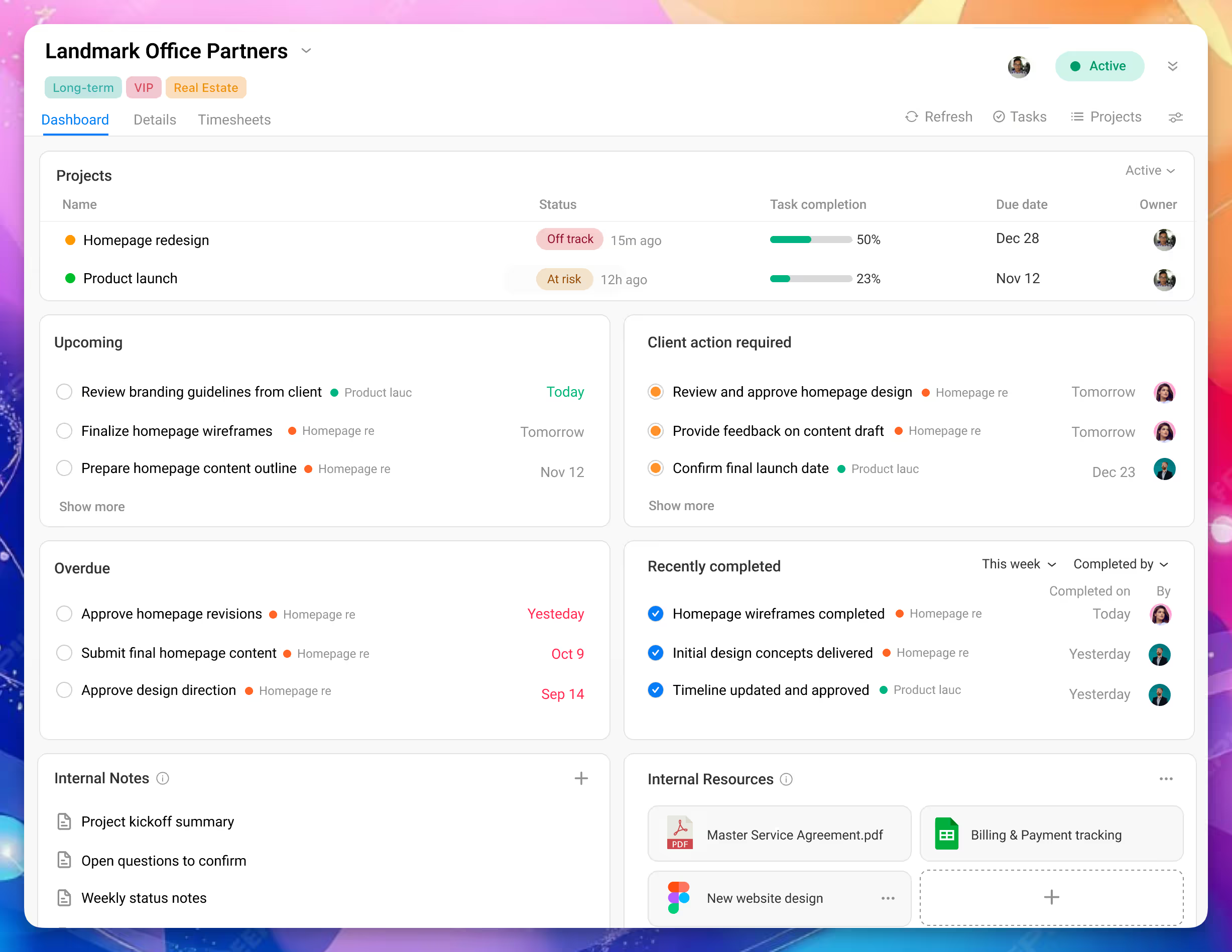
The Client Dashboard gives a clear, client-level view of all projects in one place.

Your team gets an internal dashboard for progress, risks, and ownership.

Clients get their own view with status, next steps, and what they need to do.

Same work. Two views. No duplicate updates. No back-and-forth.

Learn more →
Client Management
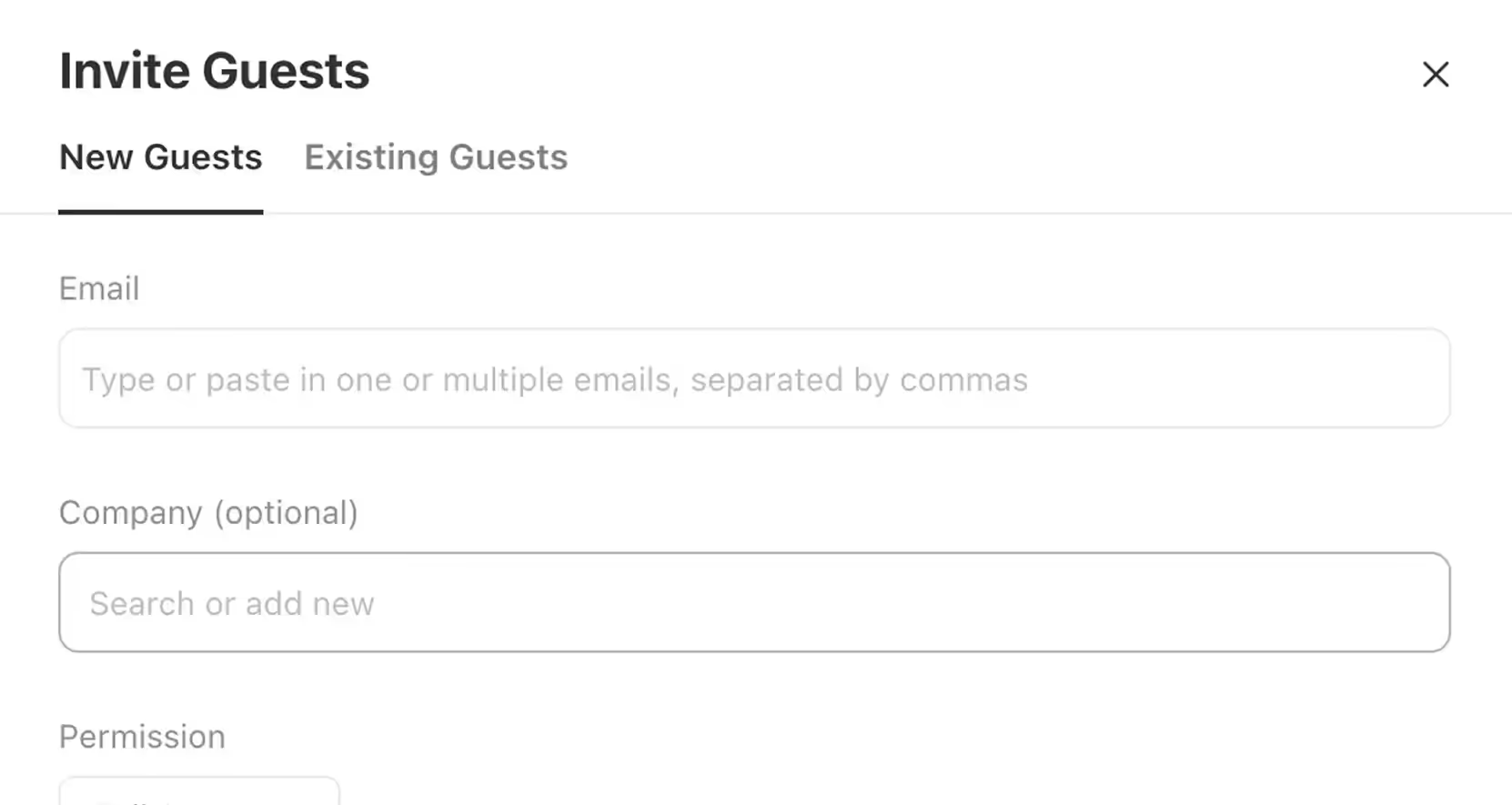
Invite clients for free — only pay for your team
Stop wasting paid seats on clients. With Upbase, you can invite unlimited clients at no cost.
Total control over what clients can see
Only share what’s necessary. Keep files, tasks, and docs private unless you choose to share them.
Clients hate learning new tools? No problem
Upbase is so simple, your clients can use it without onboarding. It feels like something they’ve used before.
Replace messy email threads and scattered updates
Upbase brings messages, tasks, files, and feedback together in one place. No more app-hopping or chasing status updates.
Share with clients on your terms, not by default
Only share what you choose
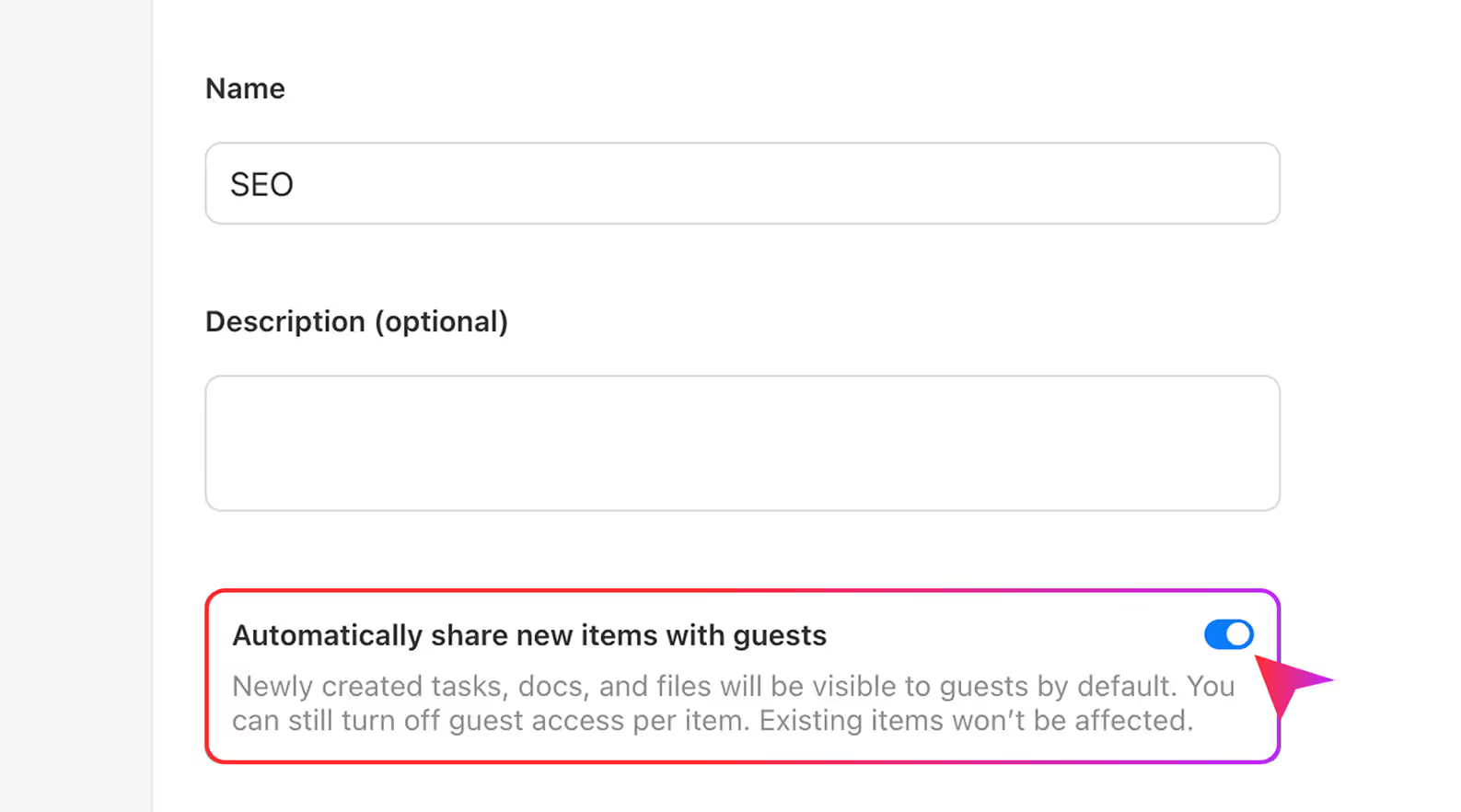
Projects are private by default. Want to share progress with your client? Just flip a switch to make messages, tasks, or files visible. Or, set a project to be fully visible to your client from the start—it’s totally up to you.
Private by default
Projects stay hidden from clients unless you choose to share—except for Chat and Links, which are always visible.
Or, visible to clients by default
Flip a switch to keep clients in the loop with real-time visibility into tasks, docs, messages, and files.
Plan, track, and deliver client work—without the chaos

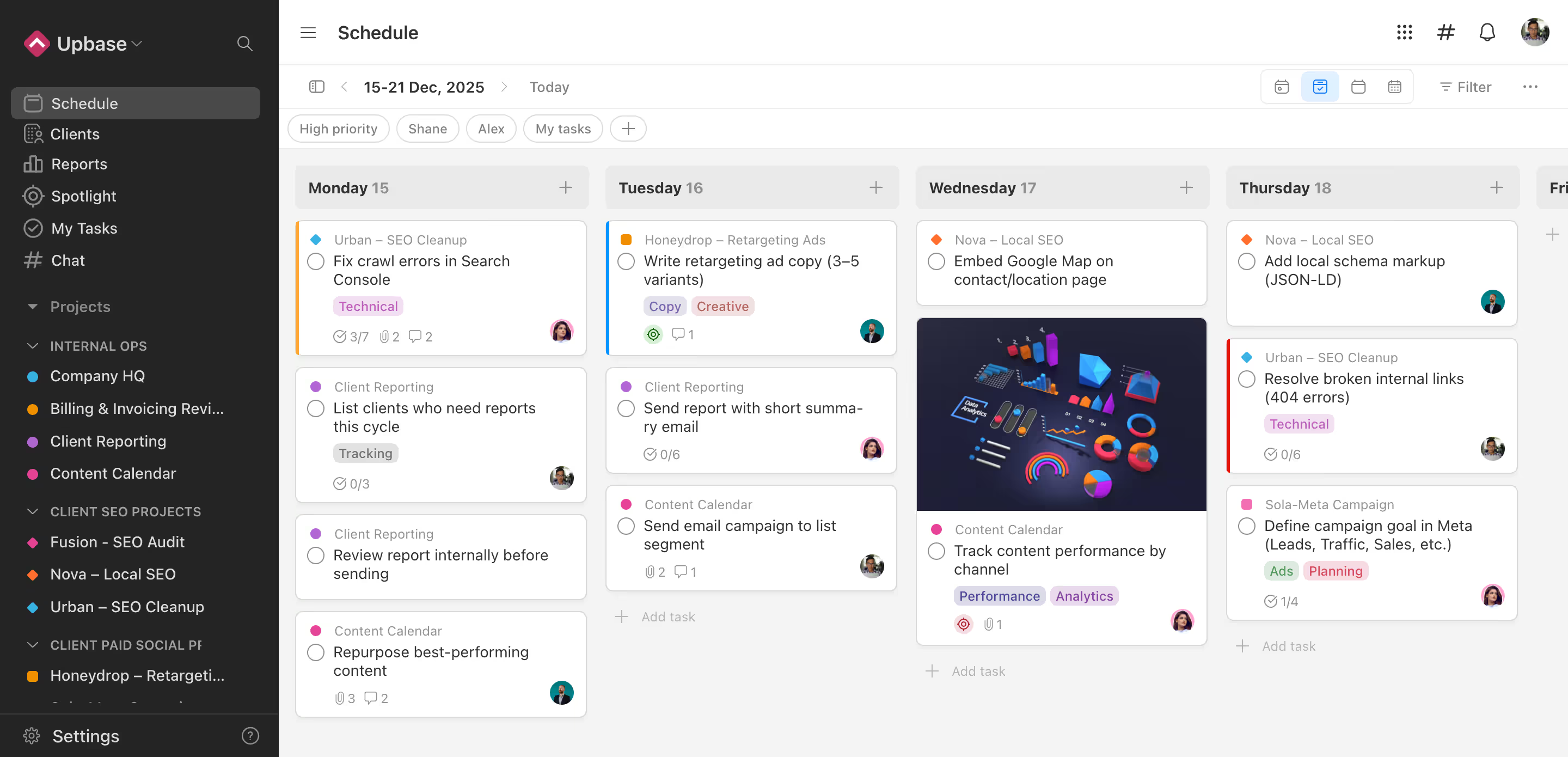
Get a bird’s-eye view of all client work

Get a clear view of all tasks, deadlines, and who’s doing what—across every client project—using one shared calendar for your whole workspace.
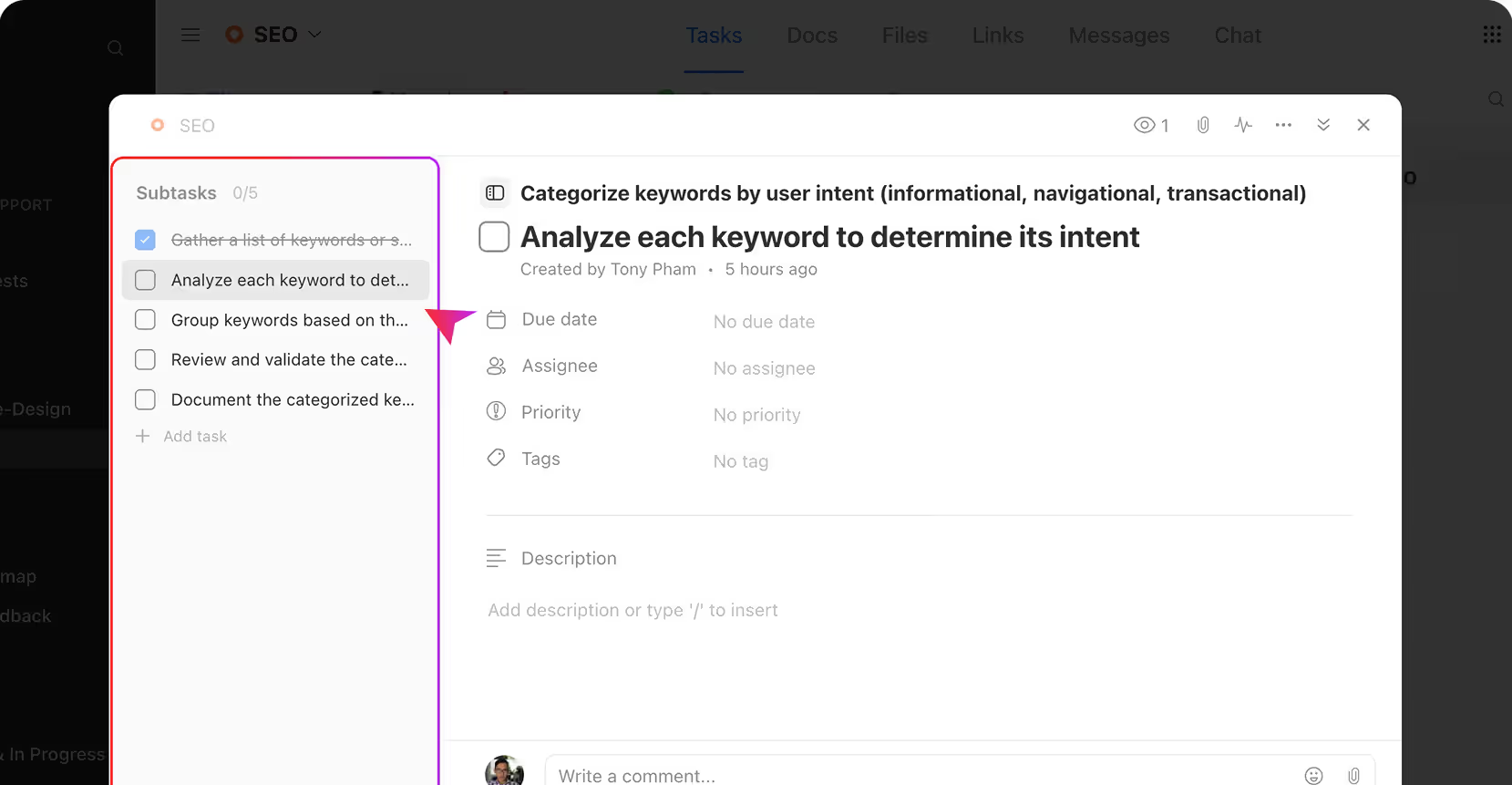
Turn client projects into clear, actionable steps
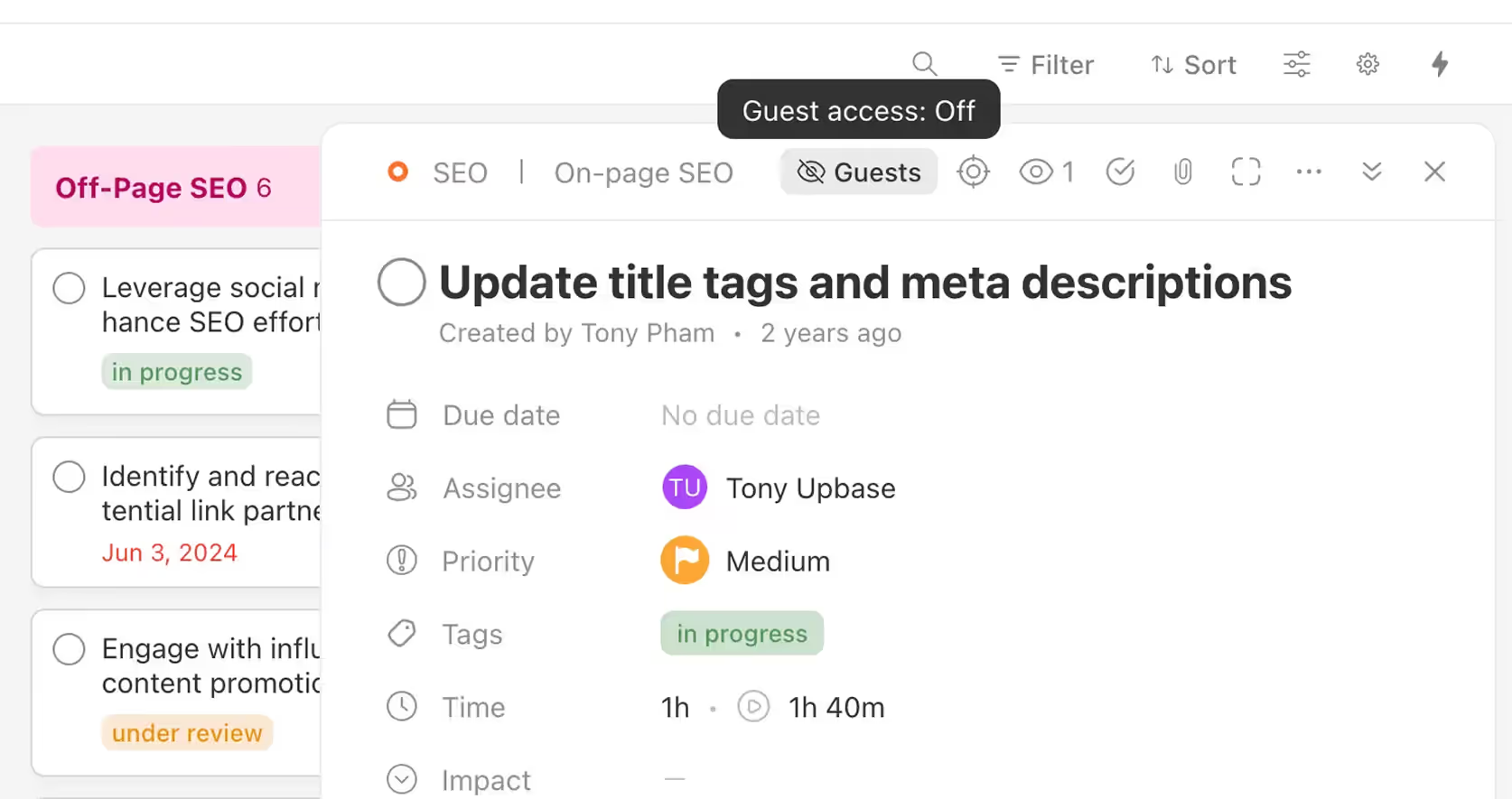
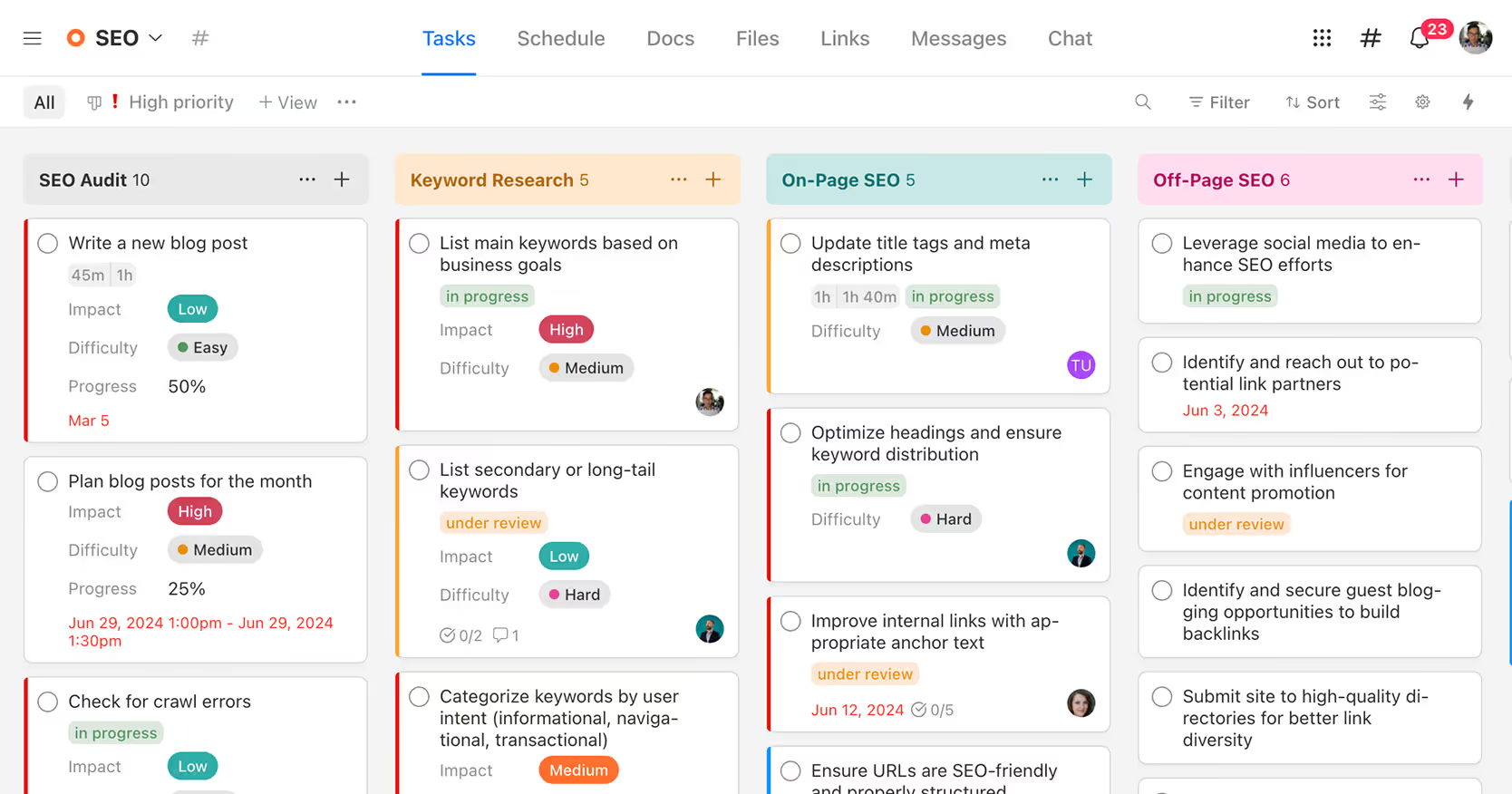
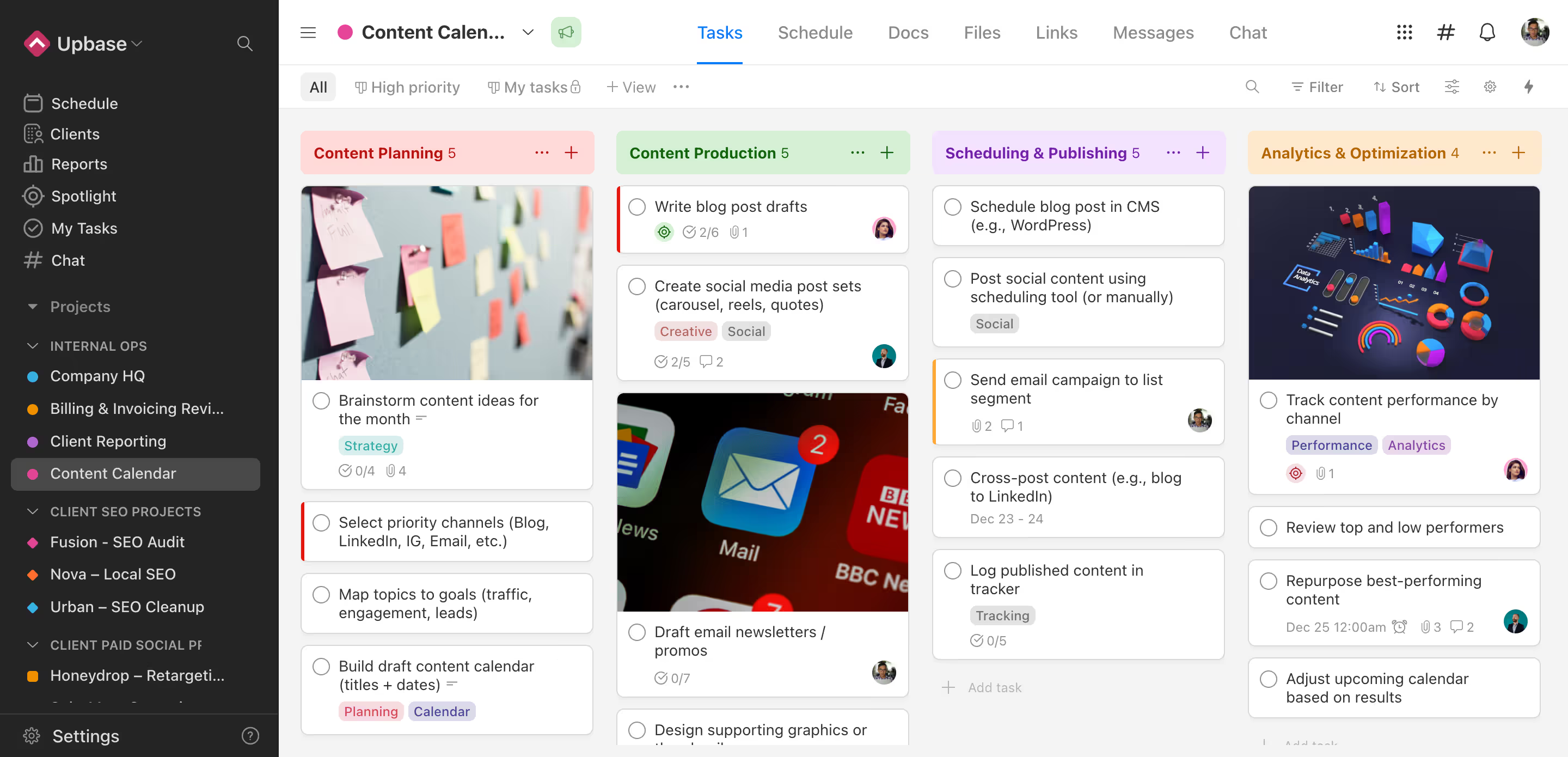
Organize work into sections, tasks, and subtasks with due dates and priorities. Everyone knows what to do, when, and why.
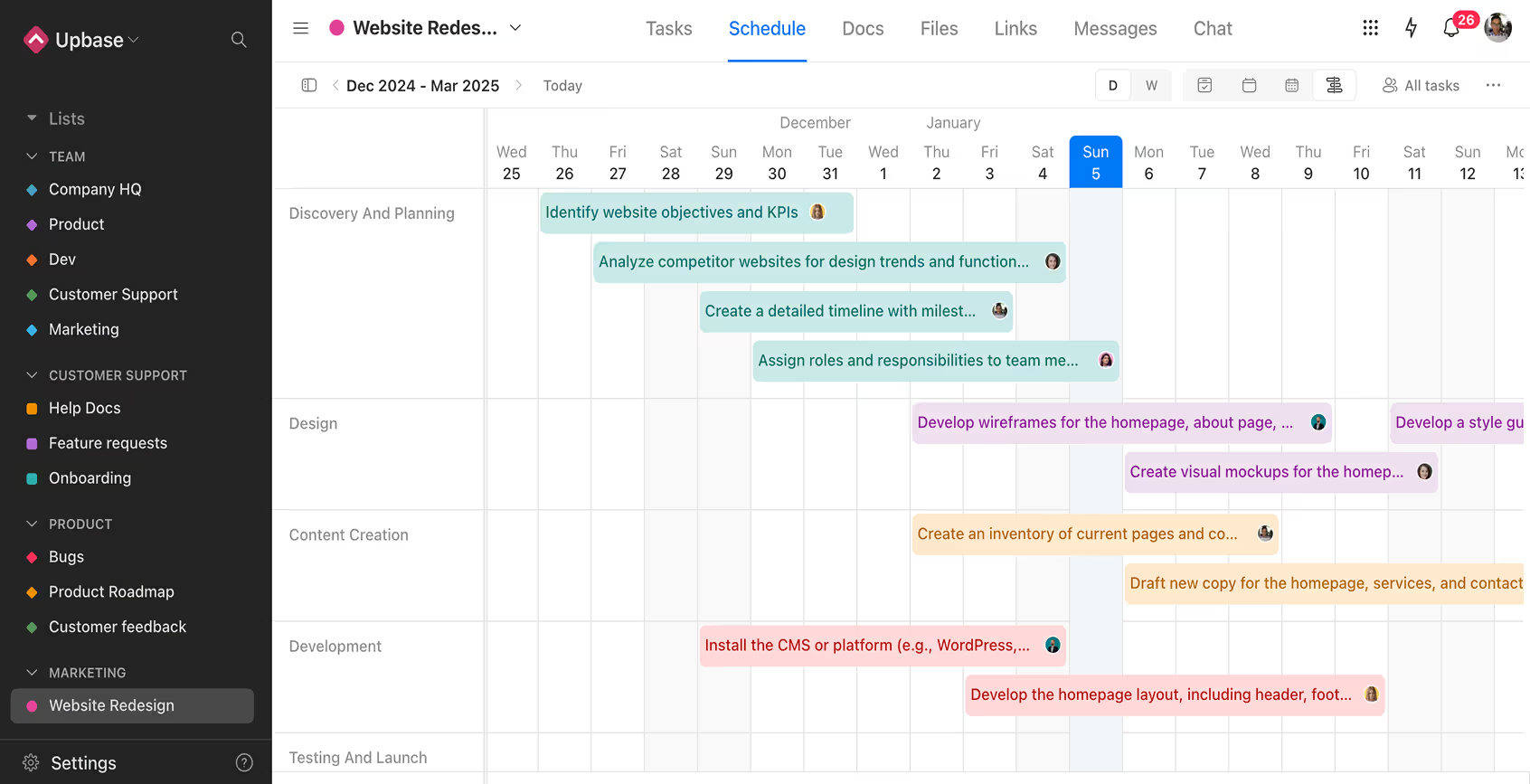
Plan client work from start to finish
Visualize tasks and deadlines using the Timeline view. Drag and drop to adjust plans with ease.
Standardize your process with project templates
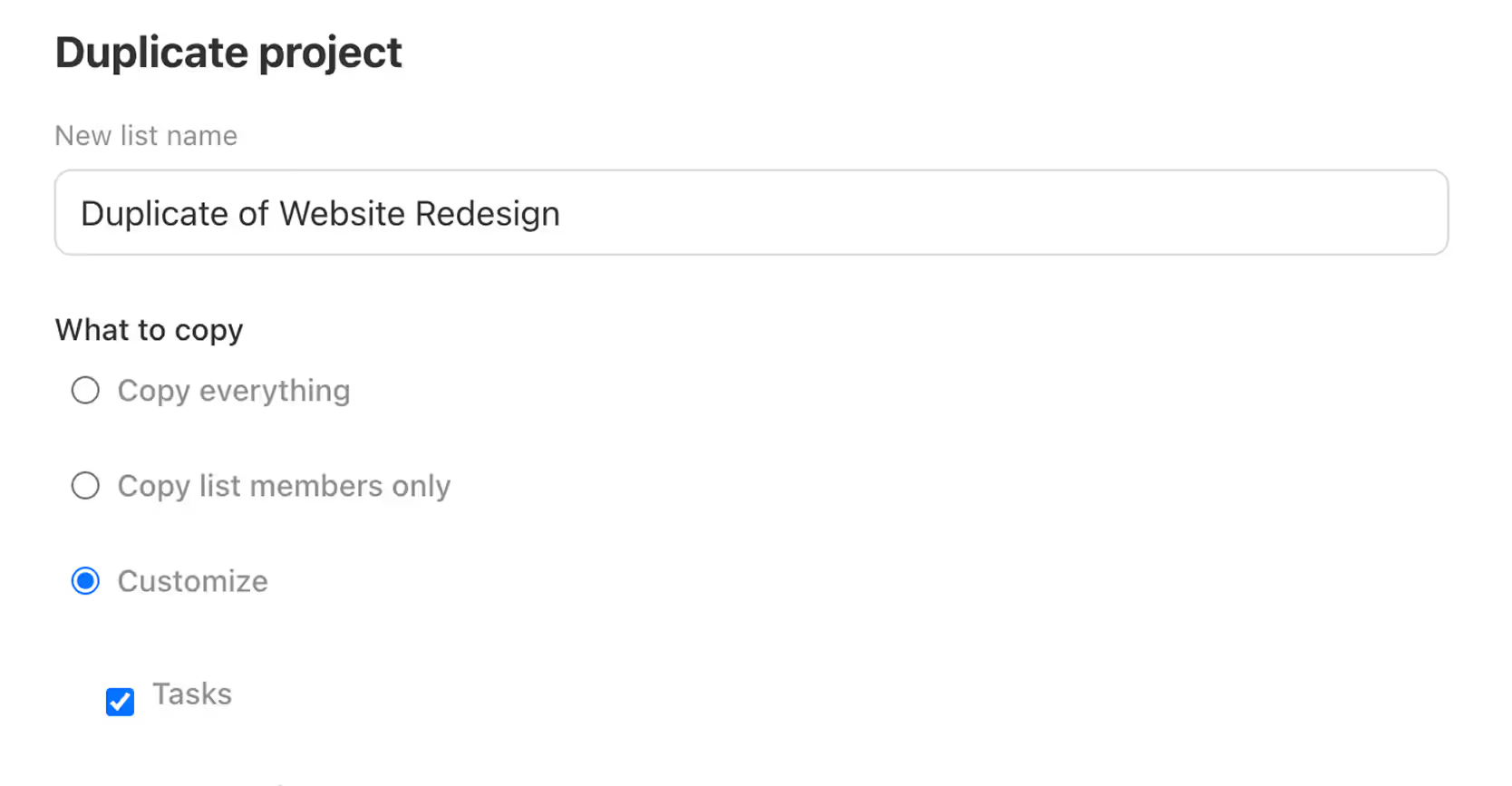
Save time by creating templates for your most common client workflows. Every project starts organized.
File versioning, made simple and reliable
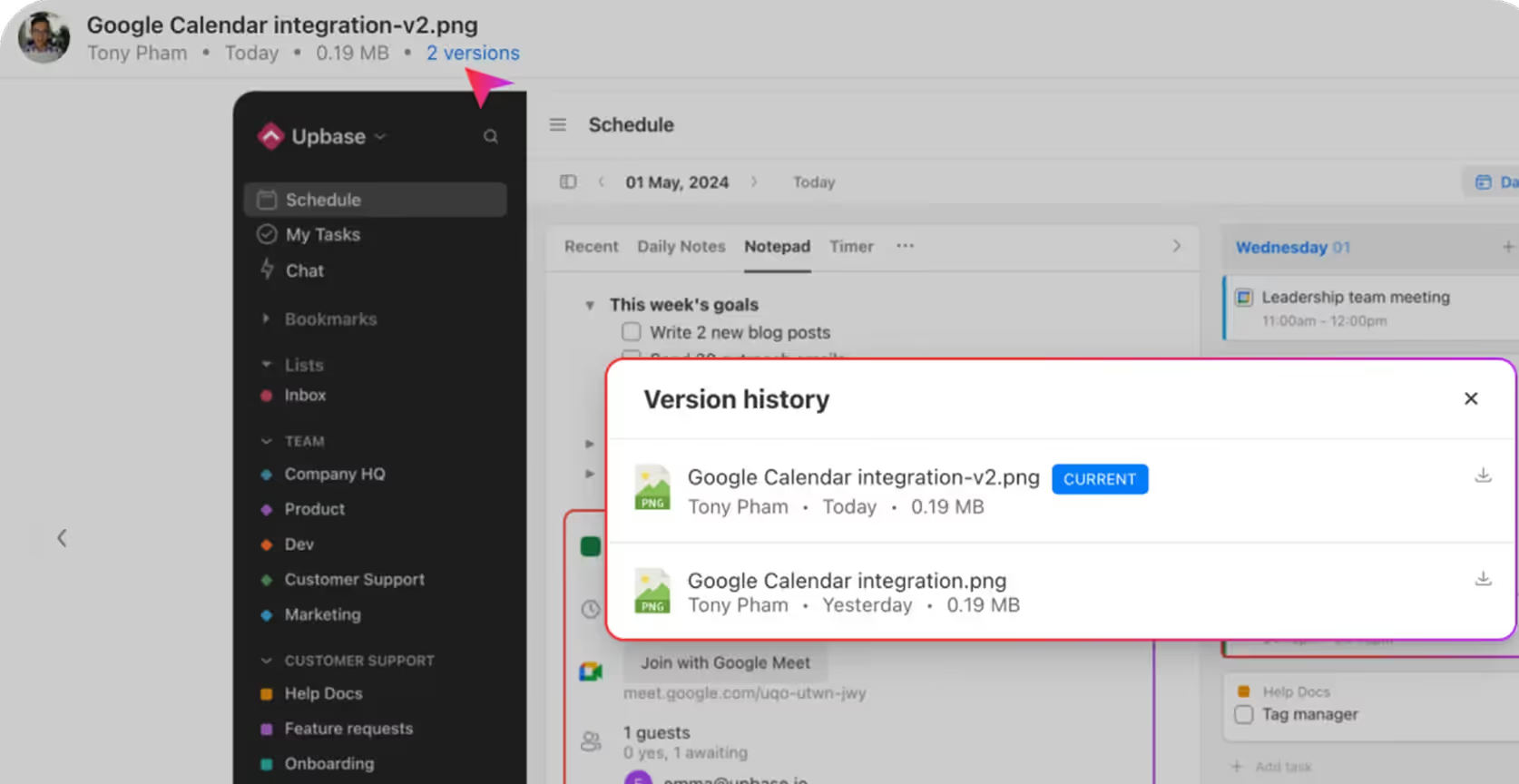
Clients always have access to the latest files—no more email requests or version confusion. You can also view and restore previous versions anytime, so nothing gets lost.
Automate the boring stuff
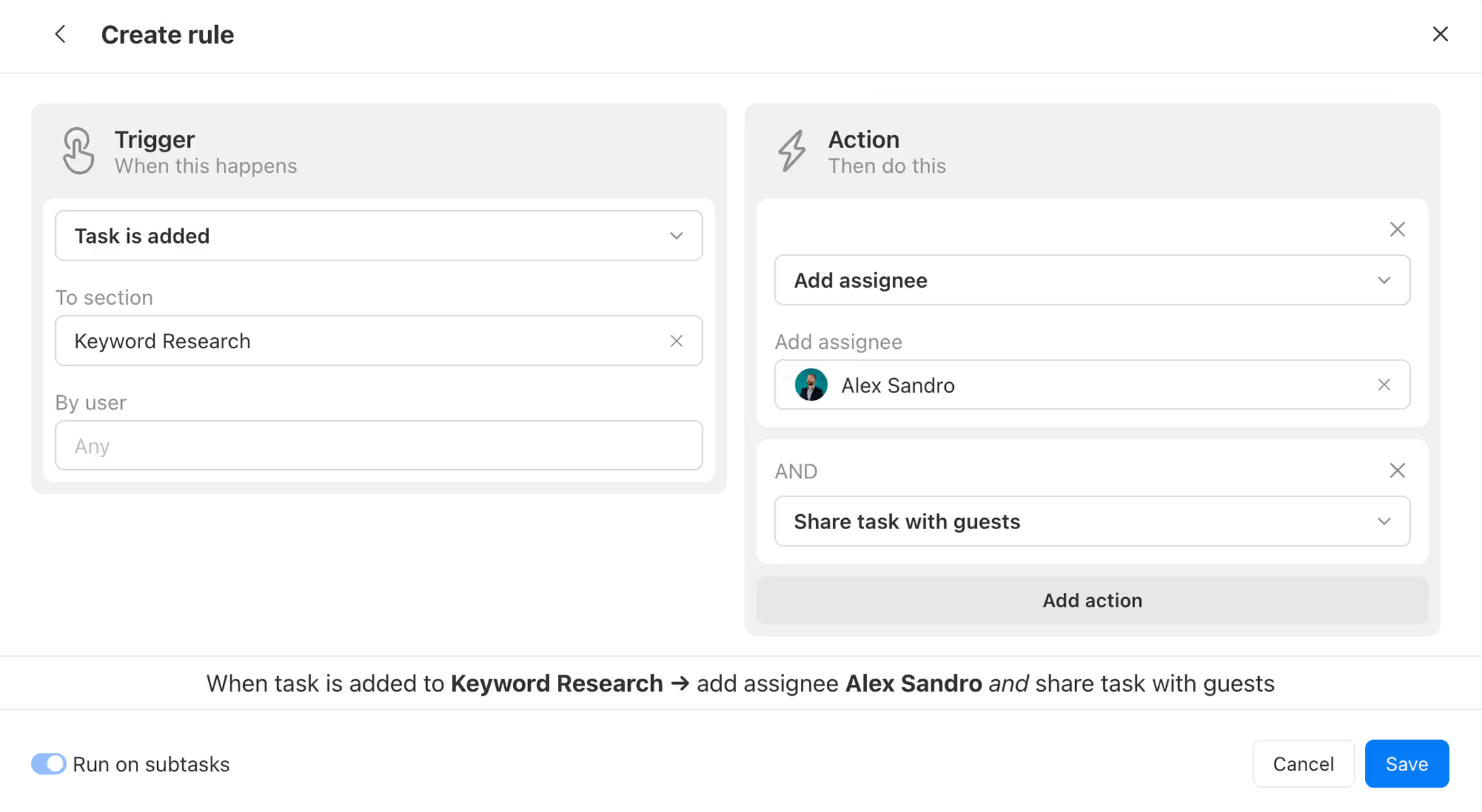
Set up automations to assign tasks, set due dates, and send reminders. Spend less time managing, more time doing.
Client Management
Works with the tools you already use
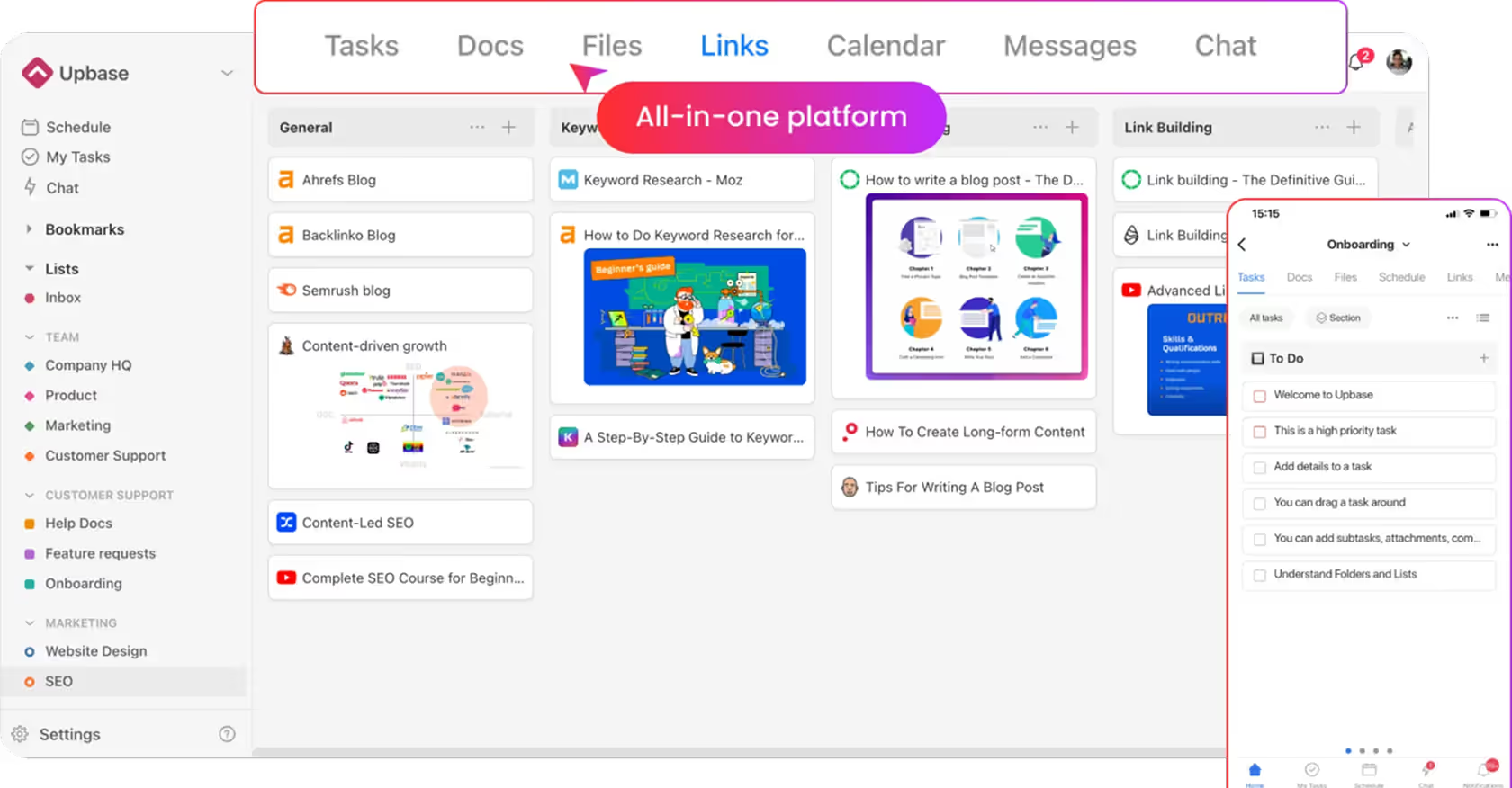
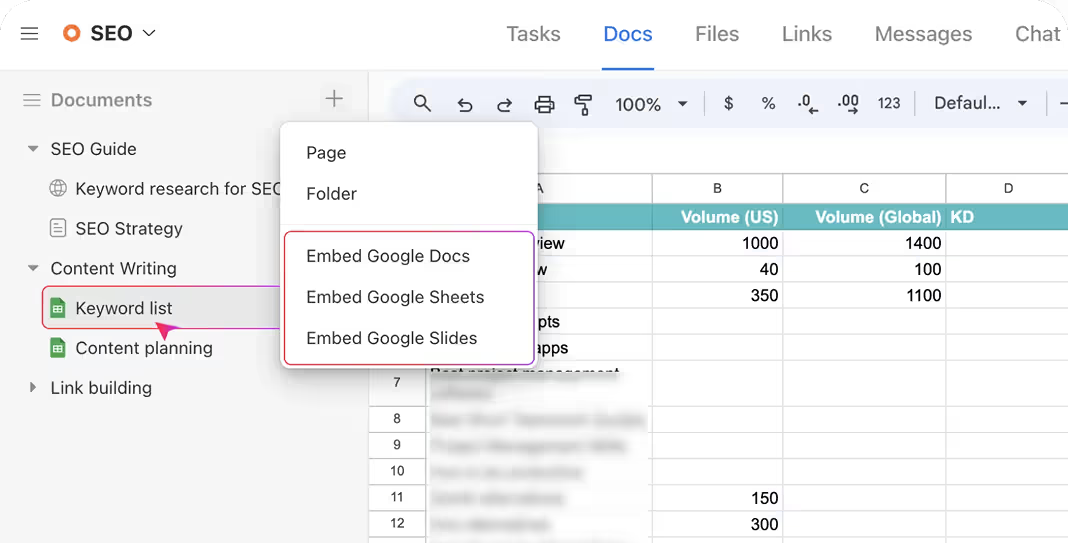
Embed Google Docs, Sheets, Miro, Figma, Airtable, and more—right inside Upbase.
Stay in the loop with powerful reports
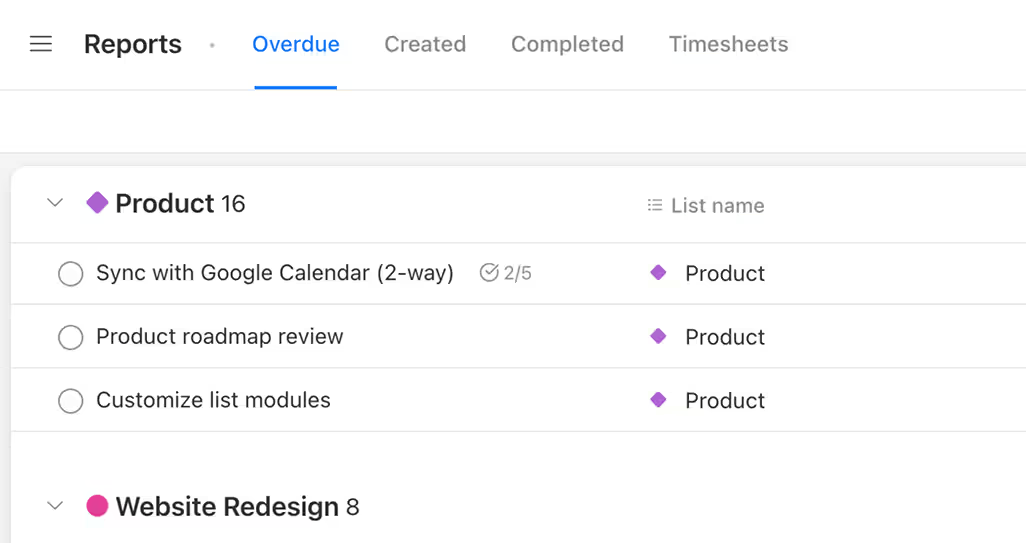
Track tasks created, completed, and overdue. Filter by project, assignee, or date to stay informed.
Let the world see how you work
Public task boards make it easy to share updates or promote your work process—without exposing sensitive details.
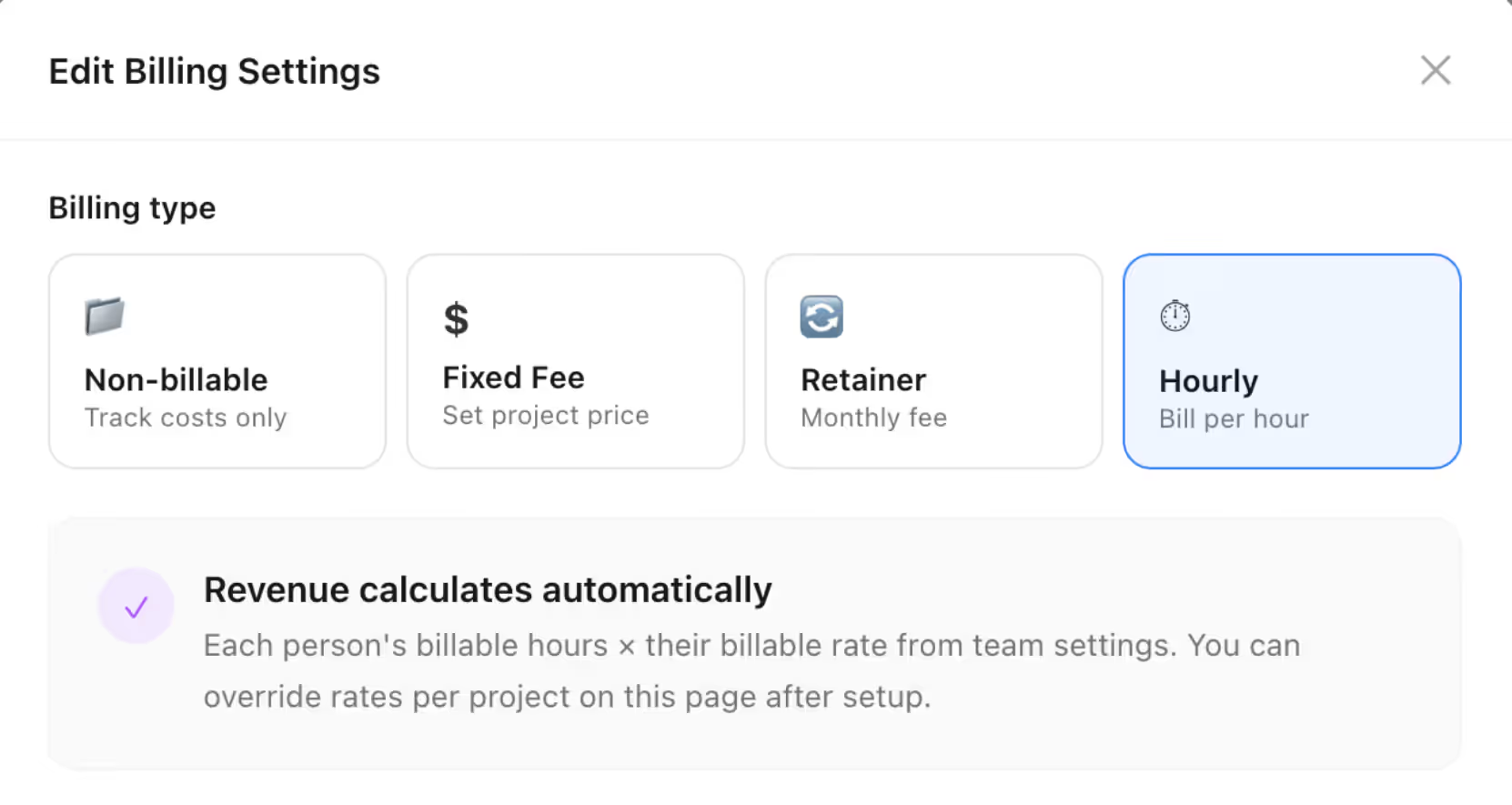
Built-in time tracking for accurate billing and reporting
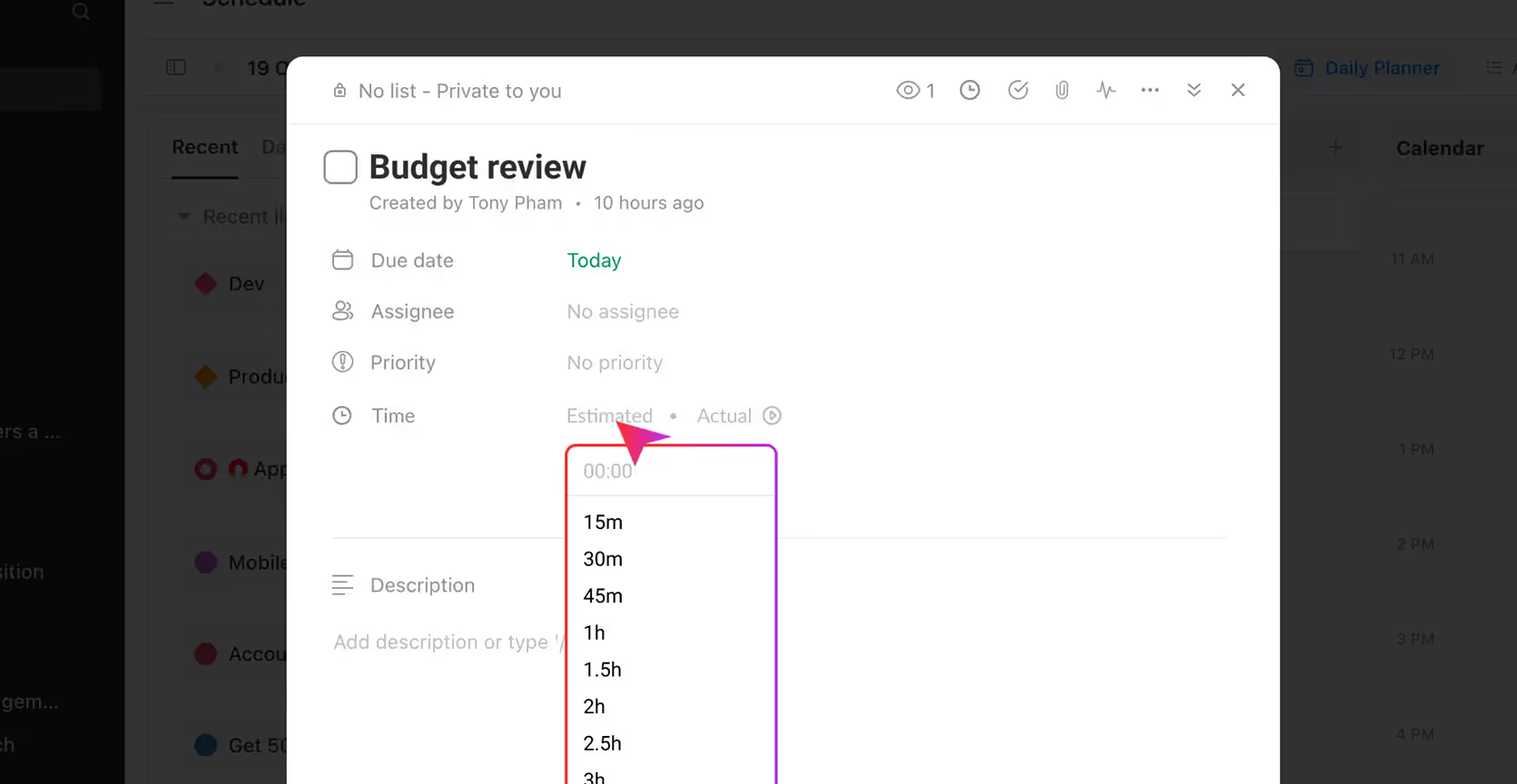
Set time estimates to plan work more accurately
Help your team manage workload and meet deadlines with clear time expectations.
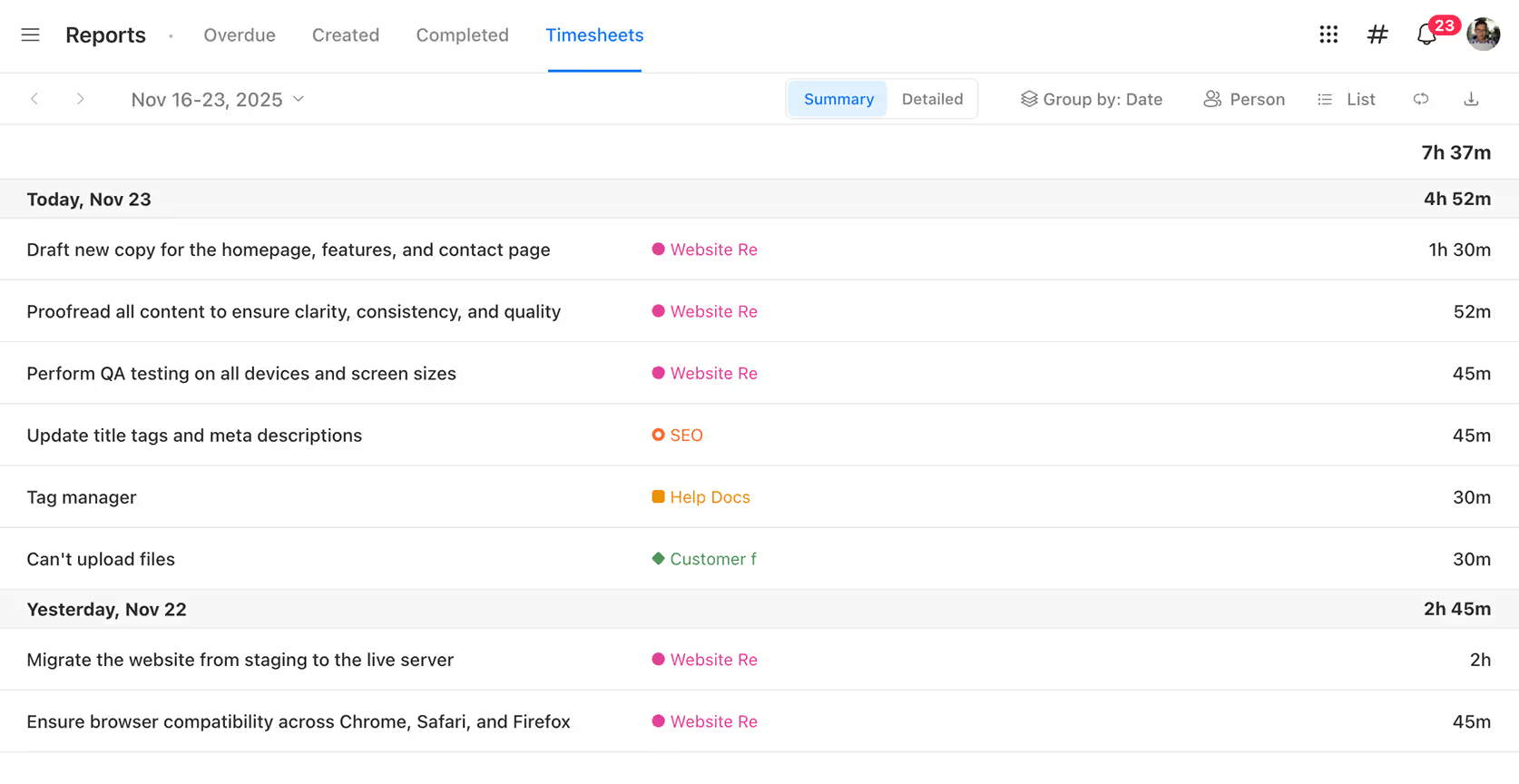
Stay on top of time spent—without switching tools
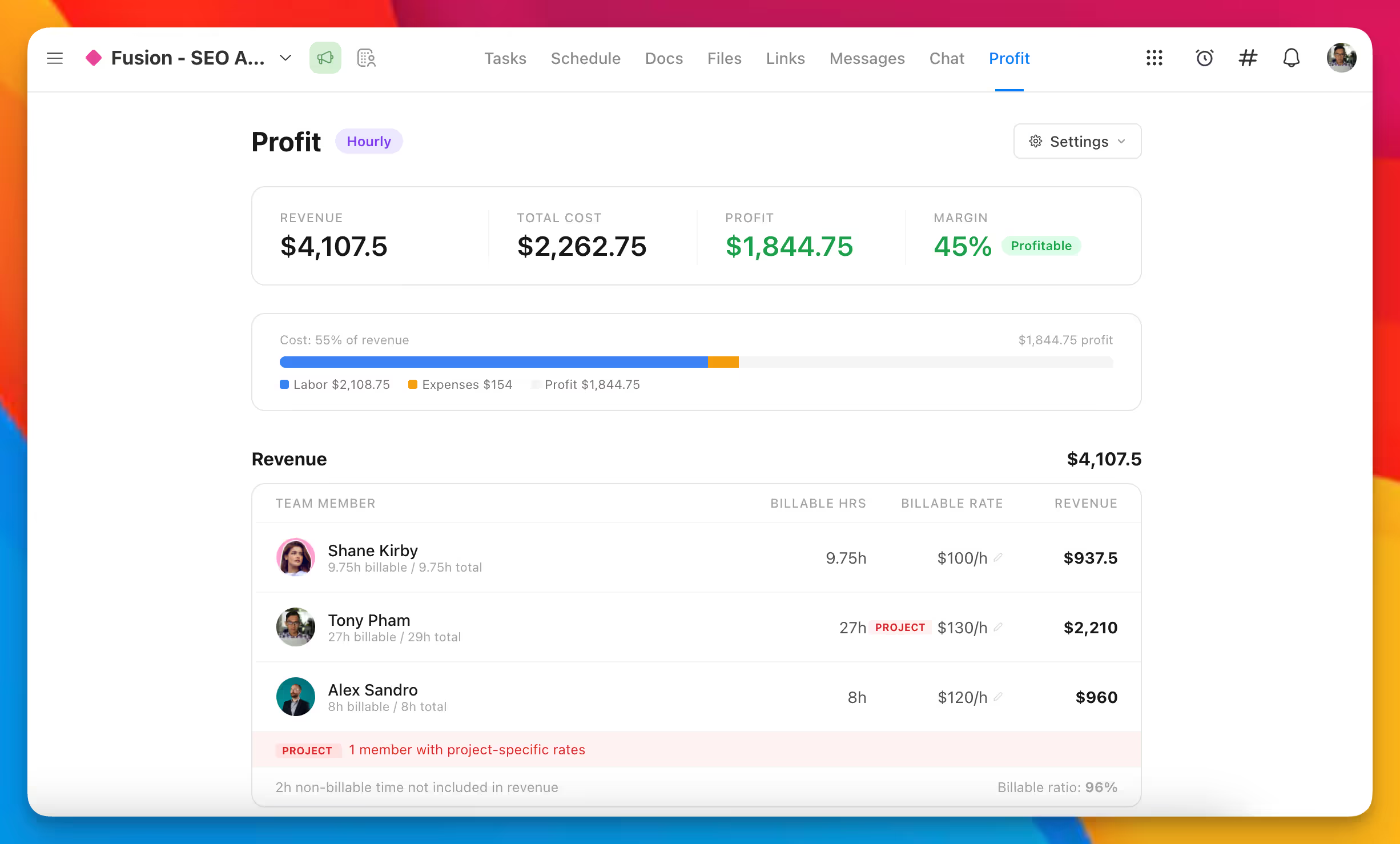
Log time directly on tasks, view time reports by project or assignee, and keep clients informed about how time is spent—with no extra tools needed.
From detailed feedback to important updates to quick chats—it’s all here
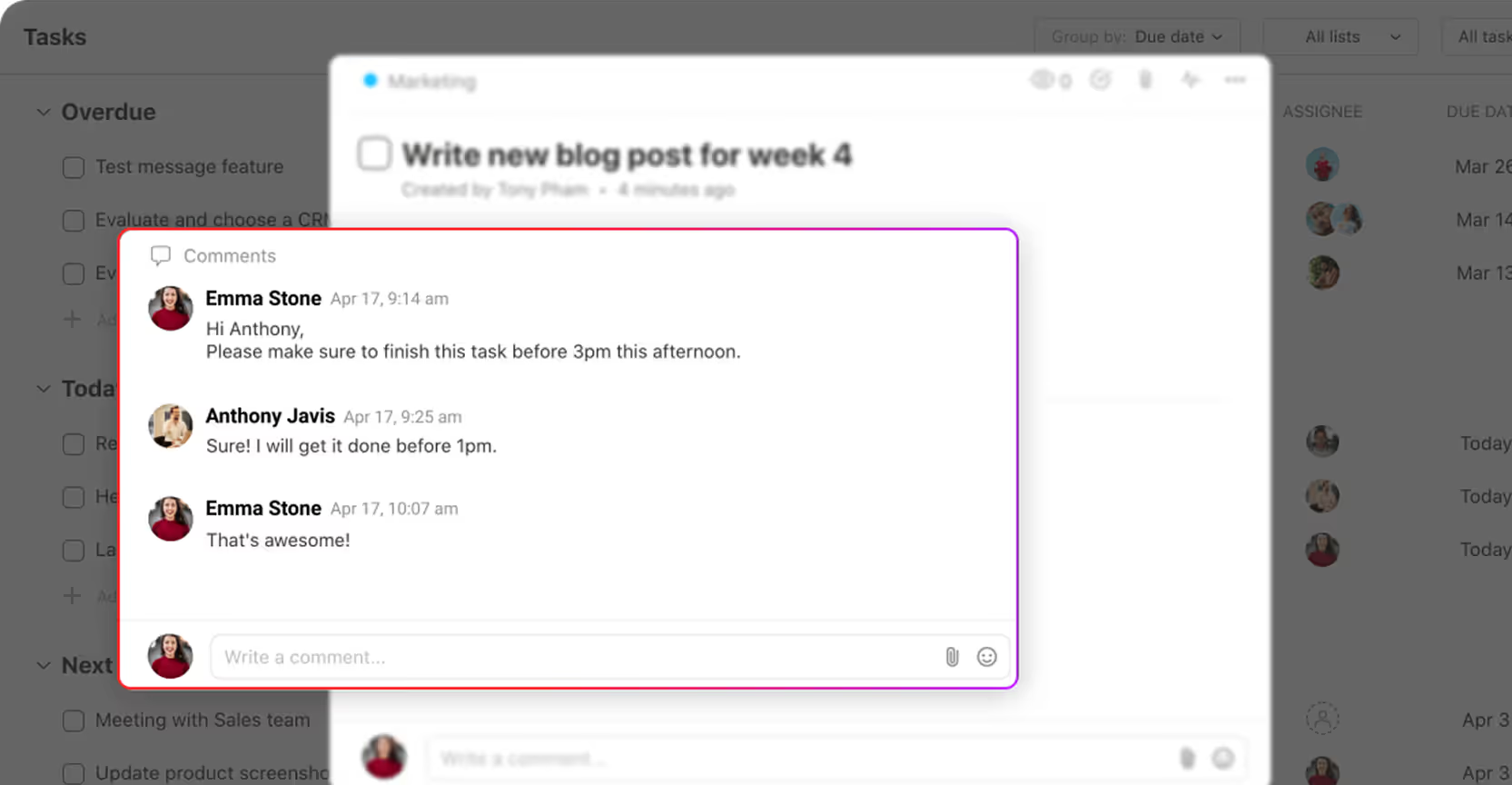
Comment on anything, stay in context
Post important updates and decisions where clients and teammates can easily find them.
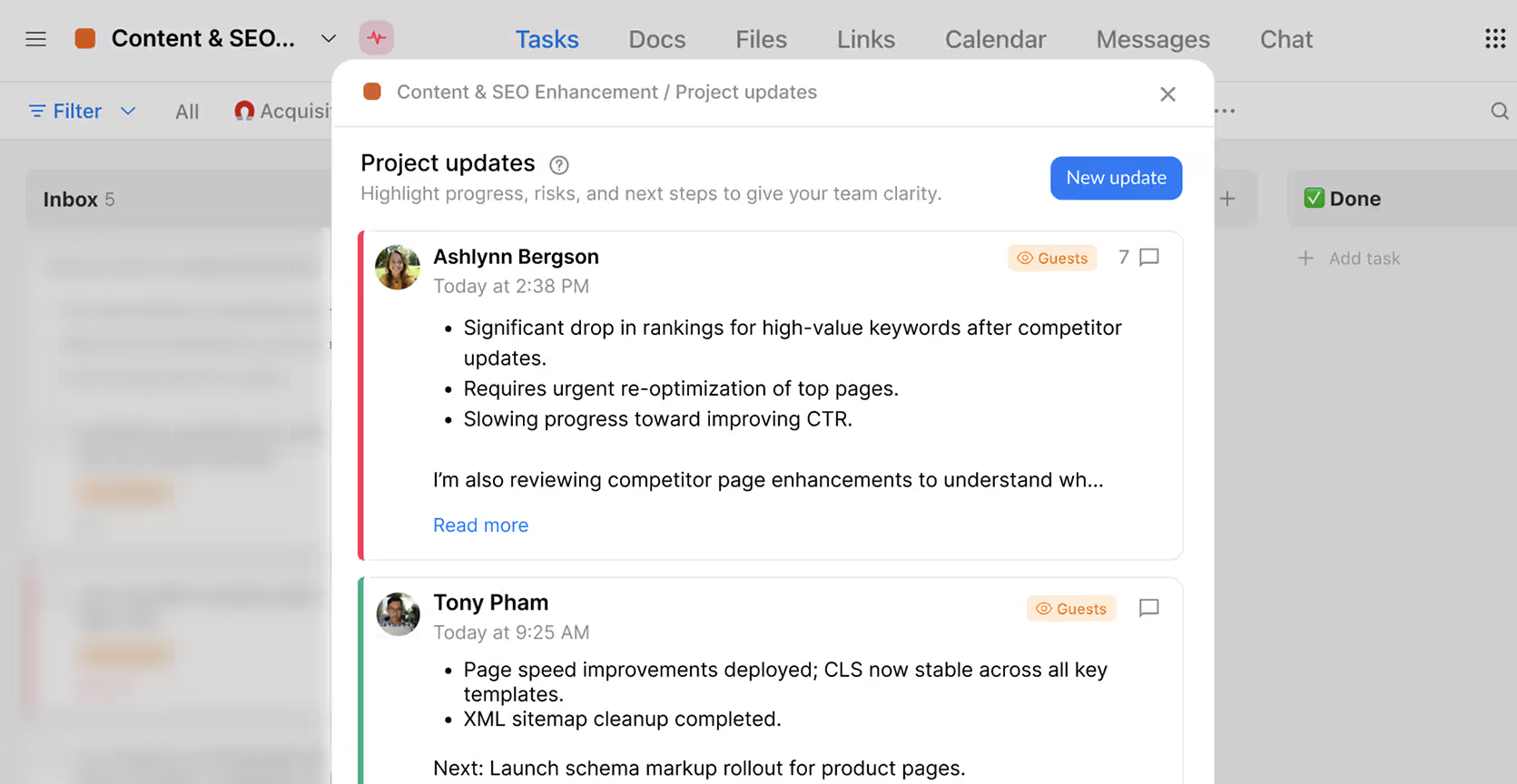
No more guessing project status
Share updates in one place, so everyone knows what’s going on—no pings, no meetings, no confusion.
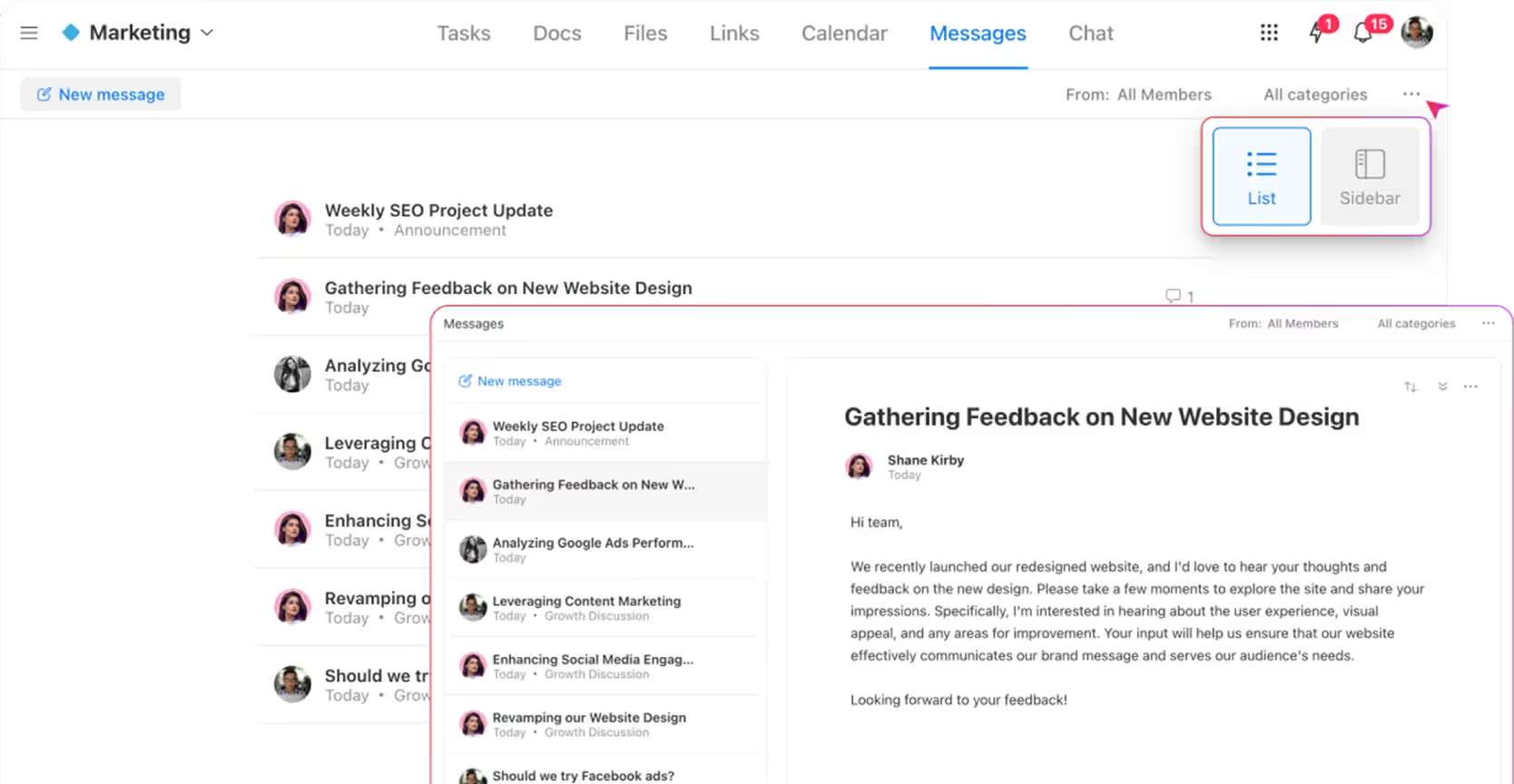
Use Messages to replace email chains and scattered updates
Post important updates and decisions where clients and teammates can easily find them.
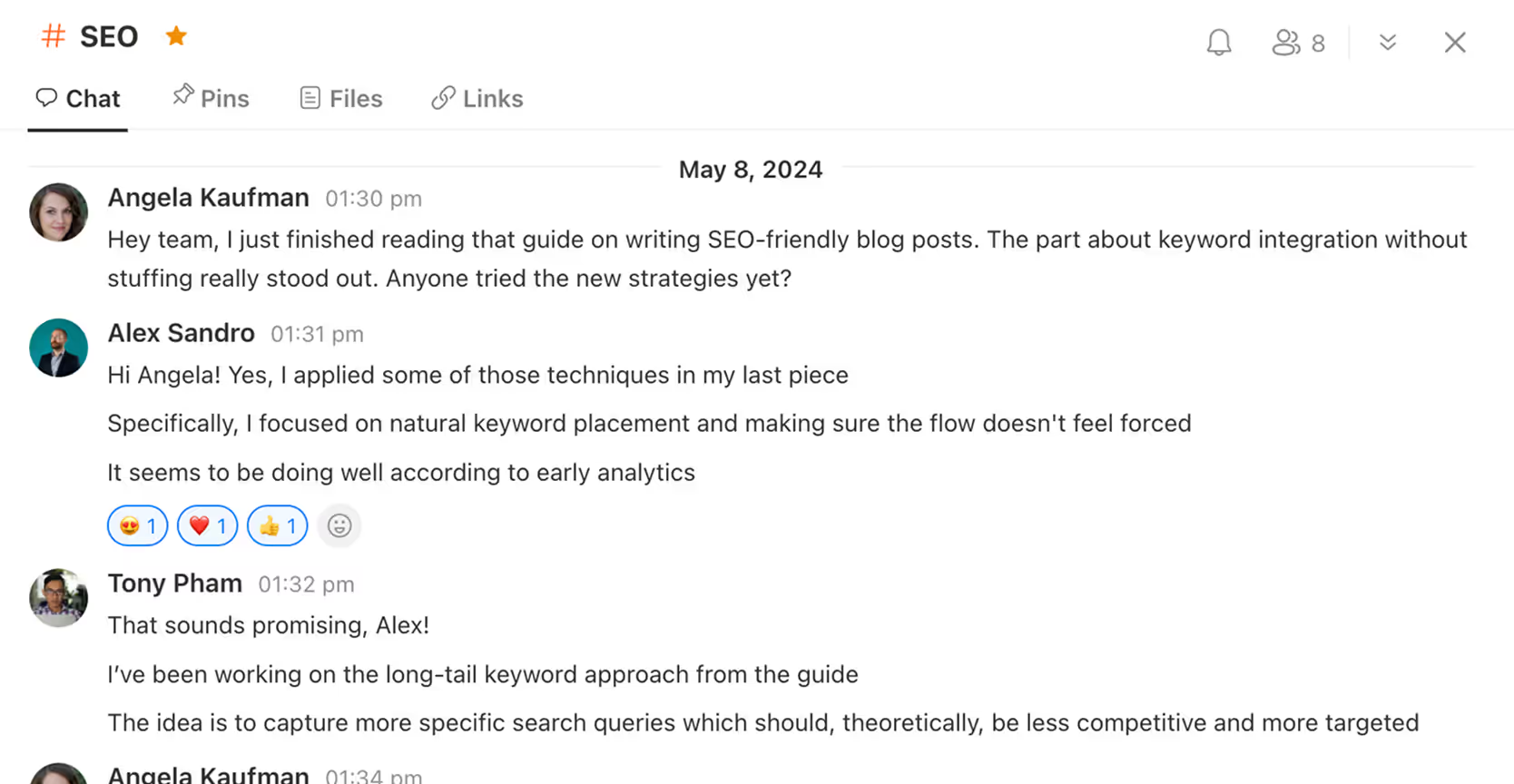
Need a quick answer? Just open Chat
Use Chat for quick questions, fast feedback, and day-to-day conversations without leaving your workspace.
Give every team member a dedicated space to focus and get things done
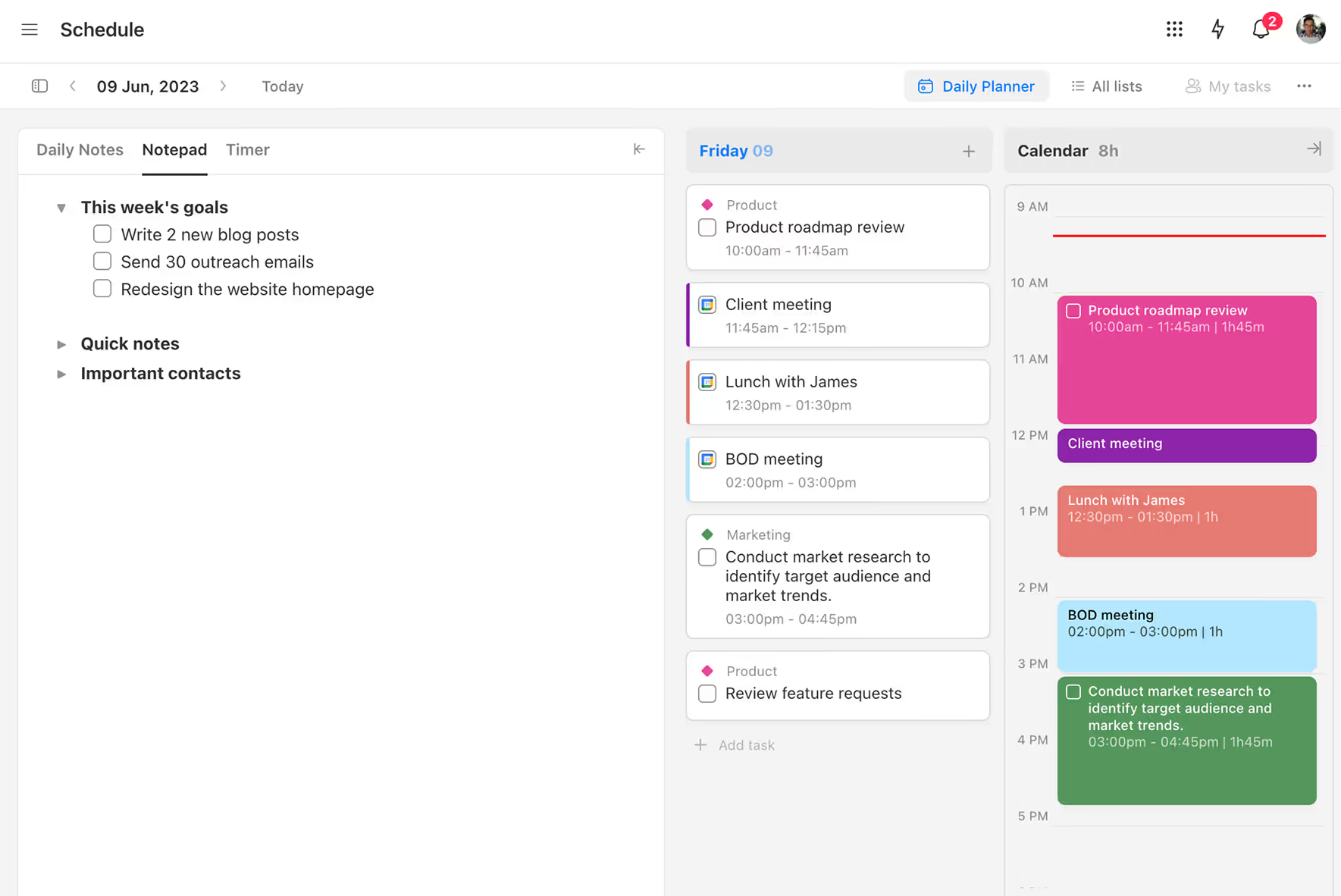
Use time blocking to protect focus and plan smarter
Block out time for deep work, meetings, or breaks—so everyone knows exactly what to work on and when.
Client Management
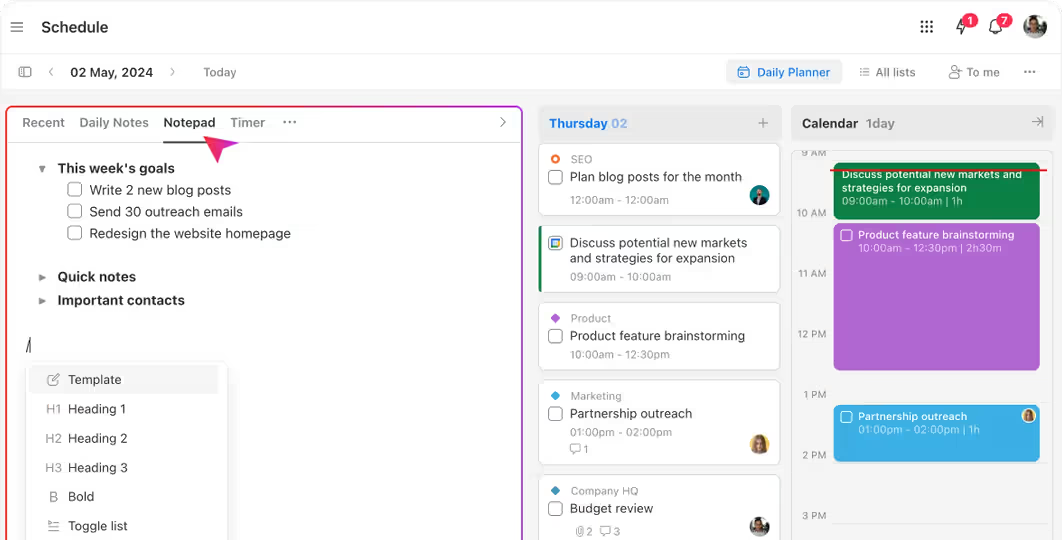
Capture thoughts with Daily and Weekly Notes
Give each team member a space to plan, reflect, and stay aligned.
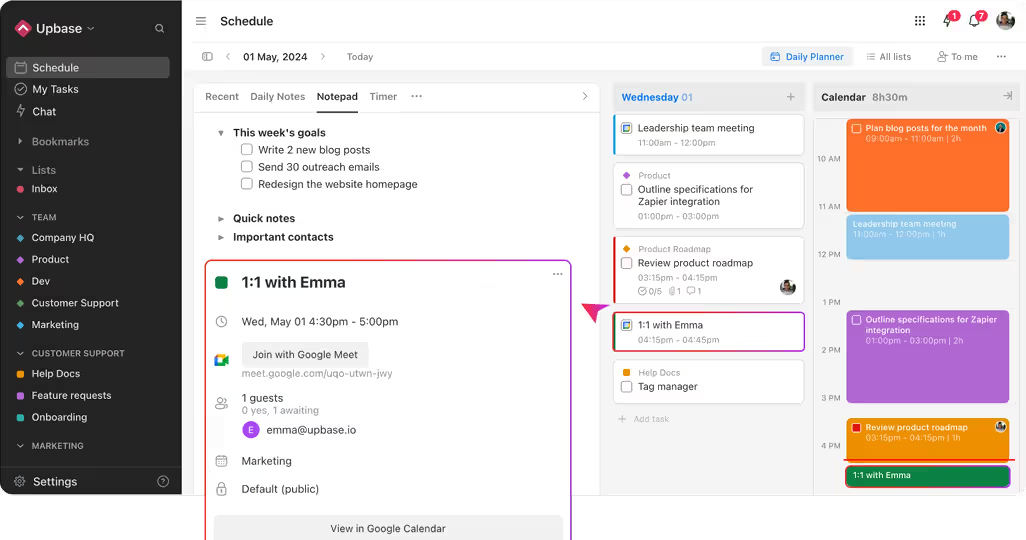
Sync your schedule with Google Calendar
Google Calendar integration brings your schedule and tasks together.
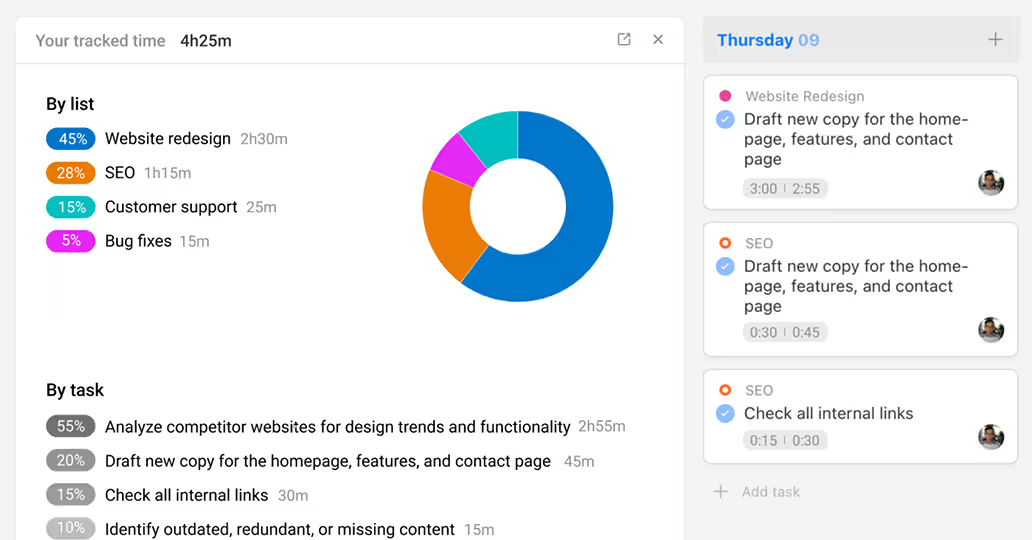
Track daily focus with time spent reports
Help team members improve focus by reviewing where their time went.
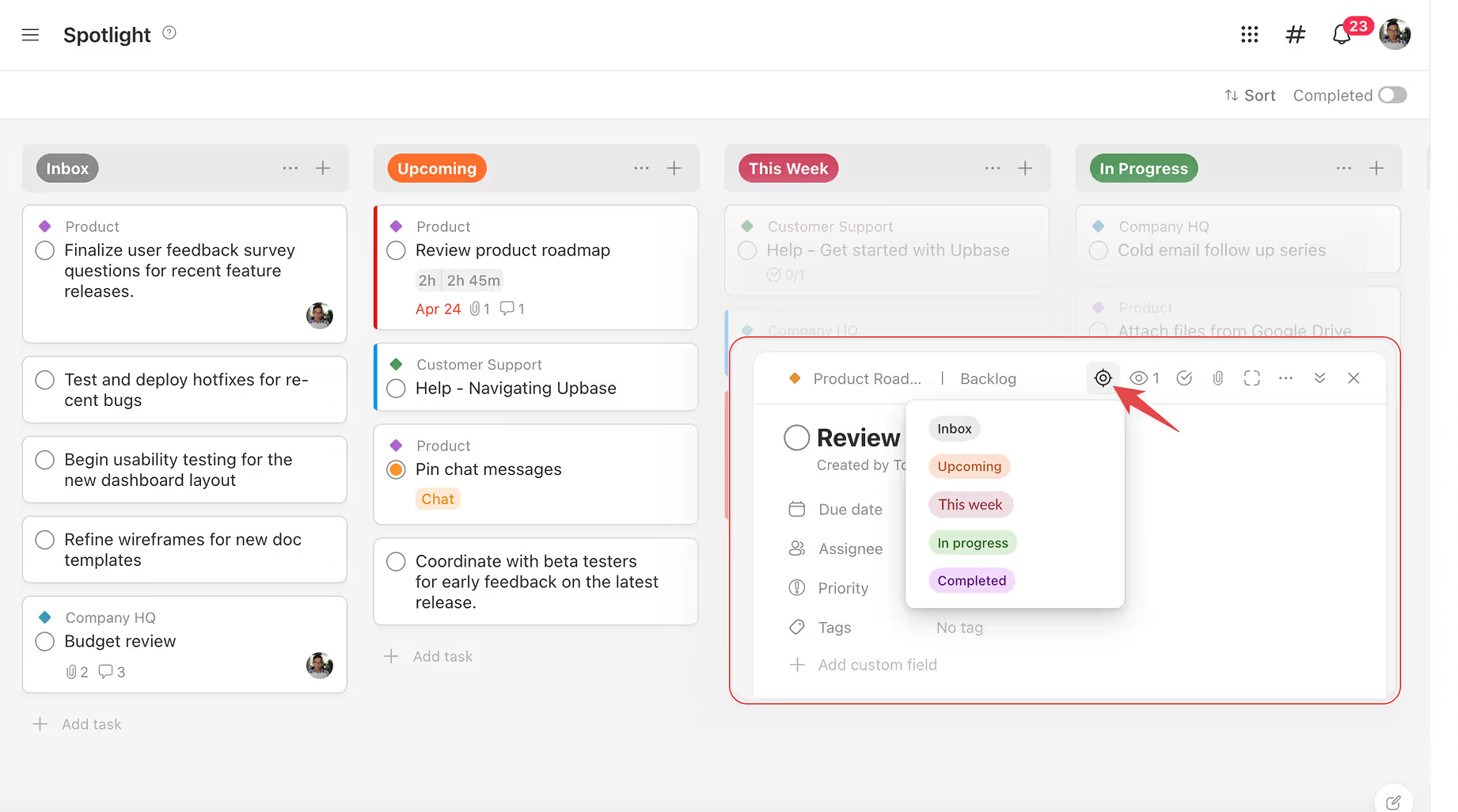
Focus on what matters most with Spotlight
Pin your most important tasks from any project into one focused view—so nothing slips through the cracks.
Client Management

The big names weren't built for client work. Upbase is.

Asana, ClickUp, and Notion are powerful—but they weren't designed with clients in mind. Upbase is purpose-built for it.

Client collaboration shouldn't be a mess of paid seats, confusing permissions, and clunky setups. Upbase is the simpler, smarter alternative—built from the ground up with clients in mind.

• Client management built-in – Upbase gives you a dedicated space for each client to manage projects, store contacts, take notes, upload files, and keep everything organized in one place. ClickUp doesn't offer true client management—just generic folders and workarounds.
• Privacy controls that actually work – In ClickUp, if you invite a guest to a project, they see everything in it. Want to keep some tasks internal? You'll need to create a separate project—adding clutter and complexity. In Upbase, clients only see what you explicitly share with them—clean, simple, and secure.
• Unlimited clients & guests for free – in ClickUp, guests count as paid members. Only view-only guests are free.
• Simple & clean UI – no clutter, no chaos. ClickUp's interface is overwhelming and full of features most teams never use.
• Fast learning curve – your clients and team can get started in minutes. ClickUp requires hours of setup and onboarding.
• Flat pricing – one simple plan. ClickUp pricing increases fast as your team grows.
👉 See the full Upbase vs ClickUp comparison →
vs ClickUp

Reviews from our customers

"Makes working fun again!"

Every feature is so well thought out. Just like my obsession with words -- make every word count -- the Upbase team has cut all the fat and bloat that you find in many other project management apps and made every feature count. And it's so simple to use. Power + Simplicity with every feature added done with utmost thought and care.

Yael R. G2 reviewer
WordPress Web Design + Branding + Content

"My most recommended tool"

I was flipping between Notion, Airtable and Clickup but found that with these very flexible systems things always fell into chaos. I then spent a month testing every alternative, Trello, ToDoist - you name it. And then I found Upbase. It was as if they made it just for me. The blend of functionality and aesthetics is witchcraft.

B
Bob G. Capterra reviewer
CEO, Marketing Agency

"BEST All in One Project Management Platform"

After trying MANY different project management platforms that were missing one thing or another, I was so happy to FINALLY find project management peace. Not only is this platform customizable and offers a robust variety of features, customer service and updates are phenomenal.

Marcelina H. G2 reviewer
Certified Hypnotist

"The product I was looking for for 10+ years!"

I have been using Trello for many years now - I can't remember a time when I haven't. Nevertheless, I was looking for an alternative now and then, because navigating Trello was a bit cumbersome, plus while I liked its simplicity, I felt it could offer more. Thankfully, I discovered Upbase and haven't looked back since. The UI/UX is a dream and the extra features like Links, Docs, Spotlight, Schedule, and more, make it very pleasant to use.

Henrik S. Capterra reviewer
CEO

"As a working professional, I found it to be a life-changer"

Upbase combines all the features of Notion, Ankiflow, Reclaim.ai, and Todoist into one universal productivity app. It has all the capabilities to excel in project and/or personal workflow management.

Shiv M. G2 reviewer
Full Stack Developer

Frequently asked questions

Give your clients the best experience

Professional. Simple. Transparent. Upbase helps you deliver work your clients love—without adding complexity to your process.

Get started now. It’s FREE